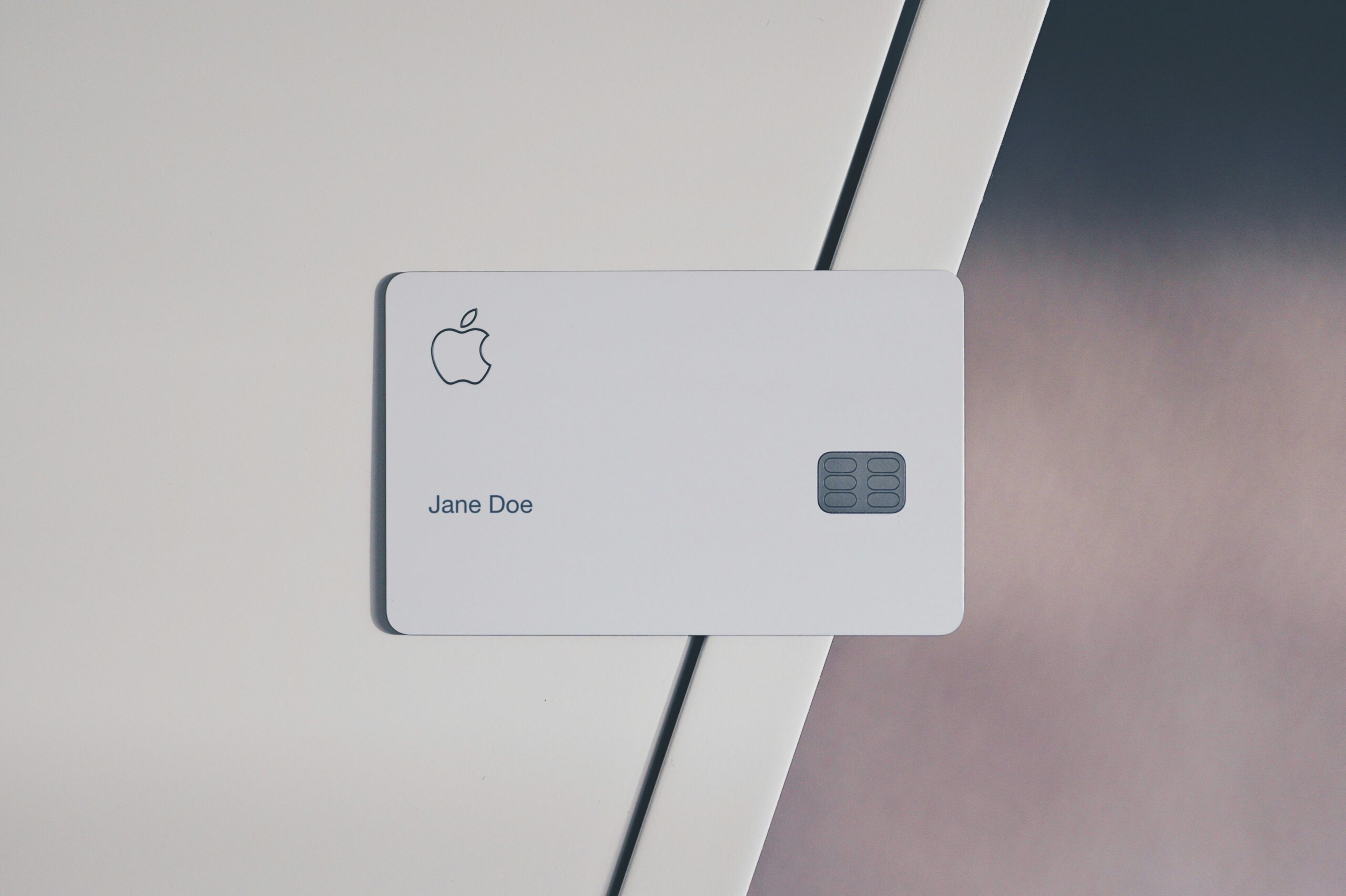
Apple Card Approval Hack: Get Pre-Approved Without a Hard Pull
If you’ve been curious about getting an Apple Card but worried about a credit score hit, you’re in the right place. This guide will reveal a simple hack to check your eligibility without a hard pull, explain how the pre-approval process works, and provide actionable tips to make the most of your Apple Card application. For more tips on improving your credit score, check out our guide to boosting your credit.
What Is Apple Card Pre-Approval?
Before you even think about applying, it’s important to understand what Apple Card pre-approval really means. Pre-approval, sometimes called pre-qualification, allows you to see whether you’re likely to be approved for the card before submitting a formal application.
Soft Pull vs Pre-Approval
Apple Card uses a soft pull to assess your eligibility. A soft pull is a credit check that does not affect your credit score. It provides a snapshot of your creditworthiness without leaving a permanent inquiry on your report.
Pre-Approval vs Full Approval
Pre-approval is an estimate, not a guarantee. Once you accept the offer, Apple Card will conduct a hard pull as part of the formal approval process. Understanding this distinction helps you make informed decisions without negatively impacting your credit. For more details on pre-approval processes, see NerdWallet’s explanation.
Soft Pull vs Hard Pull — What’s the Difference?
Knowing the difference between a soft pull and a hard pull is key to protecting your credit while exploring new credit cards.
What Is a Soft Pull?
A soft pull occurs when a lender reviews your credit as part of a pre-approval, pre-qualification, or background check. It does not affect your credit score and is often invisible to other lenders. For Apple Card, this soft pull is how they determine your estimated approval odds.
What Is a Hard Pull?
A hard pull happens when you officially apply for credit. It can temporarily lower your credit score by a few points because it signals new credit activity. Apple Card will perform a hard pull only after you accept a pre-approved offer.
Real-Life Examples
Many users report that checking Apple Card pre-approval never impacted their score. One user said, “I saw my pre-approval limit in the Wallet app, and my credit remained unchanged.” For more user experiences, see Apple Card discussions on Reddit.
The “No Hard Pull” Hack Explained
Here’s the exciting part — how to see if you’re eligible for Apple Card without ever affecting your credit score.
Step-by-Step Pre-Approval Check
- Open the Wallet app on your iPhone.
- Tap the Apple Card section.
- Tap Check Your Eligibility or Apply Now.
- Review your estimated credit limit and APR.
- Decide whether to accept or decline — without affecting your score.
Tips for Confirming Your Soft Pull
Make sure you have updated personal information in your Apple ID. Review any alerts or messages in Wallet confirming that the pre-approval check was a soft pull. Avoid submitting full applications until you’re ready for a hard pull.
Common Myths vs. Reality
Some people believe pre-approval guarantees approval. It doesn’t. It’s an informed estimate. Another myth is that multiple pre-approvals can hurt your score; since these use soft pulls, they generally do not.
Who Should Use This Hack
This hack isn’t just for tech-savvy users — it’s perfect for anyone who cares about their credit score.
Ideal Candidates
- New credit users seeking guidance
- People improving their credit and cautious about hard pulls
- Applicants exploring credit options before committing
When Pre-Approval Is Most Useful
Pre-approval is particularly helpful if you want to compare cards, understand potential limits, and protect your score. It allows you to plan strategically before a formal application.
Step-by-Step Guide to Pre-Approval
Let’s get practical — here’s exactly how to check your Apple Card pre-approval in just a few taps.
Step 1: Open the Wallet App
On your iPhone, open the Wallet app. Navigate to the Apple Card section to start the pre-approval process.
Step 2: Review Eligibility
Tap “Check Your Eligibility” and confirm your personal information. You’ll see a soft pull preview with estimated credit limits and APRs.
Step 3: Decide to Apply or Decline
If the pre-approval looks good, you can move forward. If not, you can decline without any impact on your credit score.
What Happens After You Accept
Once you’re ready to accept the Apple Card, here’s what you can expect next.
Hard Pull Occurs
Apple Card performs a hard inquiry. Expect a minor, temporary impact on your credit score. This is standard for all new credit accounts.
Card Issuance and Limit
After approval, your Apple Card will be issued, and your final credit limit will be confirmed. You can begin using it for purchases and earning Daily Cash rewards.
Managing Your Apple Card Responsibly
Use the card wisely to build credit: pay balances in full, maintain low utilization, and monitor spending via the Wallet app.
Tips and Tricks for a Smooth Apple Card Experience
To make the most of this hack, here are some insider tips and best practices.
- Keep credit utilization low before applying.
- Ensure your Apple ID is up to date.
- Time applications strategically to minimize the impact of hard pulls.
- Use Apple Card features like Daily Cash to maximize rewards while improving your credit profile. Learn more about Daily Cash here.
Common Questions and Concerns
Even with this hack, you might still have questions — let’s clear them up.
Will pre-approval guarantee approval?
No, pre-approval is an estimate based on a soft pull. Final approval requires a hard pull and full underwriting.
Can multiple pre-approvals affect my score?
No, soft pulls used in pre-approval checks do not affect your credit score or show up to other lenders.
What if I change my mind after pre-approval?
You can decline the offer without any penalty. Only accepting triggers a hard pull.
How to dispute an unexpected hard pull?
Contact Apple Card support or the issuing bank (Goldman Sachs) to verify if a hard pull occurred incorrectly. They can guide you on next steps. Read more on NerdWallet.
Conclusion: Your Apple Card Hack in Action
Now that you know the hack, it’s time to take control and see if Apple Card is right for you — safely, confidently, and without risking your credit. By understanding pre-approval, soft vs hard pulls, and strategic application, you can maximize your chances of approval and maintain a healthy credit score.
FAQ
- What is the difference between a soft pull and a hard pull? Soft pulls do not affect your credit score, while hard pulls may lower your score temporarily.
- Does Apple Card pre-approval affect my credit score? No, the pre-approval uses a soft pull which does not impact your score.
- Can I check Apple Card eligibility multiple times? Yes, repeated soft pulls for pre-approval do not hurt your credit.
- What happens if I accept the Apple Card offer? A hard pull occurs, your final credit limit is set, and you can begin using the card.
- How do I maximize my Apple Card benefits? Pay balances in full, maintain low utilization, and take advantage of Daily Cash rewards.
- Can I dispute a hard pull? Contact Apple Card support or Goldman Sachs if you notice an unexpected hard inquiry.
Keyphrase: Apple Card pre-approval hack
Slug: apple-card-pre-approval-hack
Meta Title: Apple Card Pre-Approval Hack: Get Approved Without Hard Pull
Meta Description: Learn the Apple Card pre-approval hack to check eligibility without a hard pull. Protect your credit while exploring your Apple Card options.
Social Title: Apple Card Pre-Approval Hack: No Hard Pull Needed
Social Description: Discover the Apple Card hack to see if you qualify without impacting your credit score. Step-by-step guide inside!